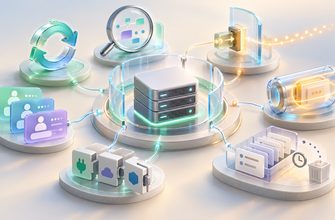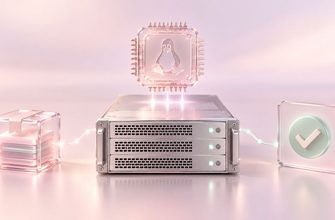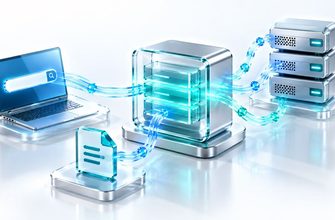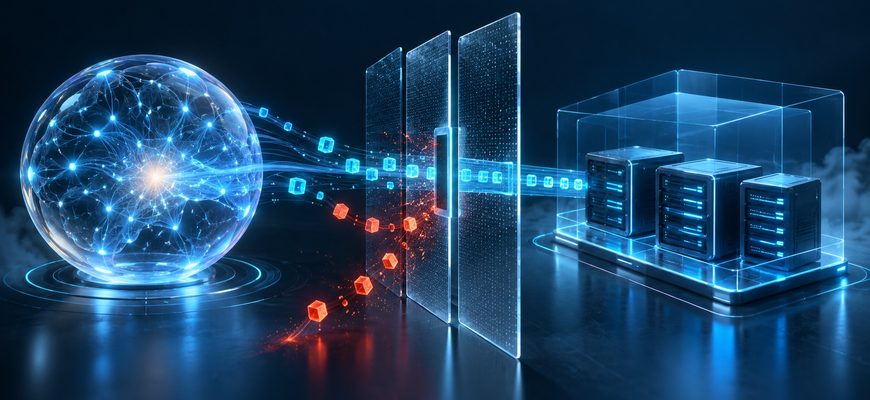
An AI agent on a Linux VPS does not execute commands by thought alone. The agent application decides when to call a tool, a runtime sends that request to an execution environment, and Linux runs the resulting process under an account with its own permissions. What the agent can do depends on every layer in that chain.
That distinction helps answer a practical question: when an agent is asked to inspect a server or change a file, where does the command actually run—and what decides whether it is allowed?
The exact design varies by product. The flow below describes the common pattern used by agents that can call a shell or another command-running tool. It is a conceptual explanation, not a report of a specific VPS test.
From a request to a Linux process
The output then travels back through the tool and agent application. The model may use it to decide what to do next or to form its answer. Depending on the product and configuration, command output or file contents may also be sent to a remote model service.
Four boundaries shape what the agent can do
| Boundary | What it controls | What it does not guarantee by itself |
|---|---|---|
| Agent tools | Which actions the application exposes, such as shell commands, file access, or API calls. | That every exposed action is safe or narrowly restricted. |
| Approval and policy | Whether a particular action requires review or is denied by the application. | That Linux would also block the action if it were run another way. |
| Linux identity and permissions | What the process can read, write, execute, or access under its operating-system identity. | That the process has no additional access through groups, elevated privileges, mounts, or other configuration. |
| Environment and network | Which files, devices, services, and network destinations are reachable from the runtime. | That a VPS, container, or “sandbox” is isolated simply because it has that label. |
These controls work together. A tool can ask for approval before running a command, while Linux still determines whether the process could access a file if the command is allowed. Network rules form another boundary: filesystem permissions do not automatically restrict which remote hosts a process can contact.
Why “read-only” is not the same as “no risk”
A read-only tool may prevent changes to files, but reading can still expose information. If an agent can read a configuration file, log, database export, or private document, its contents may appear in tool output or be included in context sent to a model service. The exact data flow depends on the agent and its configuration.
For that reason, access should be limited to the data needed for the task. OpenAI’s sandbox guidance notes that agent-generated code can access the files, credentials, and network available in its environment, and recommends isolating workloads, restricting network access, and separating credentials. Read the security guidance.
What the word “sandbox” means depends on the setup
A sandbox is an execution environment intended to constrain some aspects of a program’s access. The name alone does not tell you which constraints are active. The result depends on details such as the process identity, filesystem mounts, network policy, available tools, and whether privileged interfaces are exposed.
A container, for example, can be one part of an isolation design. Its actual boundary depends on how it is configured and what resources it can reach. A container with broad host mounts or access to a powerful control socket has a different risk profile from one with a limited filesystem and restricted network.
Similarly, a VPS is a virtual machine provided by a hosting company. It gives you a server environment to configure, but the phrase “disposable VPS” does not itself define the agent’s privileges or prove that sensitive data cannot leave it.
What this means before connecting an agent
When evaluating an agent for server work, separate these questions instead of relying on a single “safe” or “restricted” label:
- Which tools can the agent call?
- Where do those tools run: on the VPS, in a container, or in a managed environment?
- Which Linux account runs the process, and what files can that account access?
- Which actions require approval, and which are blocked by system policy?
- What network destinations can the execution environment reach?
- Could command output or readable files be sent to a model service or another connected tool?
- Which credentials are available to the process, and what can each credential authorize?
The answers describe the real access boundary more accurately than the product name or a single permission setting. They also help explain why an agent’s capabilities can differ between two VPS setups, even when the same model is used.
Continue the AI agent course
For the introductory explanation of server access, read How an AI Agent Gets Access to a Linux Server. For a closer look at user permissions and command limits, continue with AI Agent Permissions on a Linux Server.
The examples in this article describe general architecture. Agent products, runtimes, and server configurations differ, so check the documentation for the specific tools you plan to use.