
Linux administration
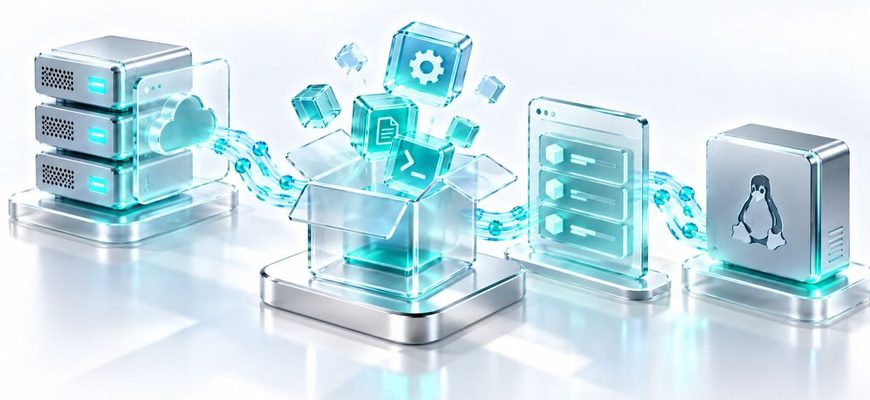
On a Linux server, installing software usually does not mean searching the web for an installer. Linux distributions organize software into packages, publish

A Linux command can read from your keyboard, print useful data to the terminal, report an error somewhere else, or send its output directly into another command.

You type ls -la into a terminal and a directory listing appears. It feels as if the terminal itself ran the command, but another program did the interpreting.

Run free -h on a busy Linux server and you may see something alarming: most of the RAM appears to be used, while the free column is surprisingly small.

Linux does not let every user read, change, or run every file. Instead, each file and directory has an owner, a group, and a set of permissions that determine
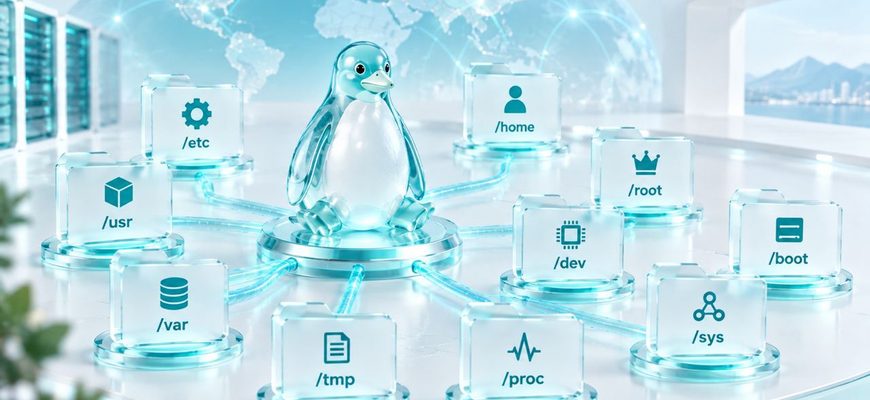
Open a Linux terminal and type ls /. You will see directories such as /etc, /home, /usr, /var, and /tmp. They are not arbitrary folders.

You have a program that should start automatically, keep running without an open terminal, restart after an unexpected failure, and produce logs you can inspect.

Find Linux service errors with journalctl: filter by unit, boot, time, and priority, follow live events, and turn log messages into focused troubleshooting.

Use systemctl to inspect, start, stop, restart, reload, enable, and disable Linux services safely—and understand what each action actually changes.

Learn how systemd coordinates Linux startup, what units and targets do, and how to inspect service definitions and dependencies without changing your server.